
Industrial Panel PC for Semiconductor Equipment: Applications, Features and Selection Guide
1. Industrial Panel PCs for Semiconductor Equipment
Semiconductor manufacturing relies on automated equipment to support production, inspection and process monitoring. These machines require reliable computing and display solutions that allow operators to monitor equipment status, adjust parameters and access operational data.
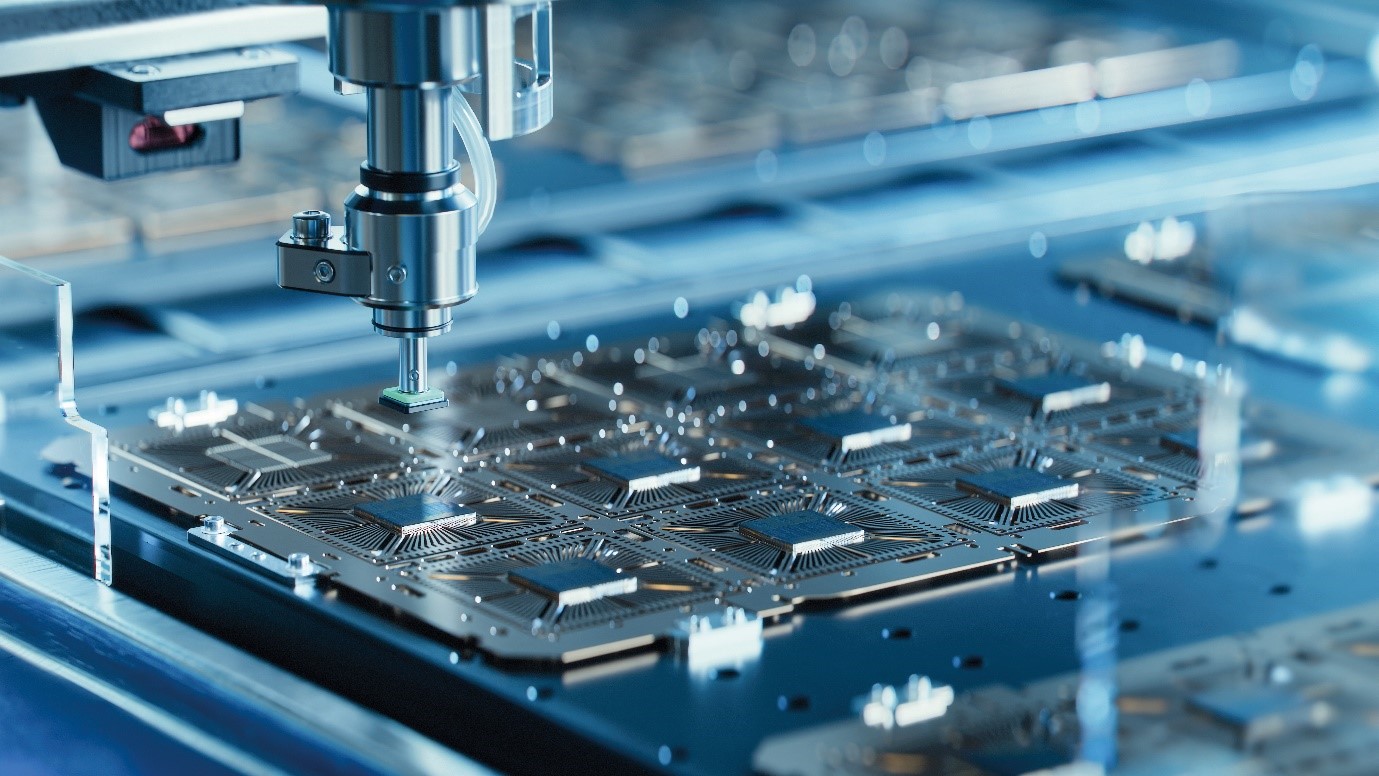
An Industrial Panel PC combines computing hardware, a display and a touch interface in one unit. Compared with a separate industrial computer and monitor, this integrated design can simplify equipment installation and reduce the space required for the user interface.
When selecting an Industrial Touch Panel for semiconductor-related equipment, manufacturers should consider operating stability, installation space, display size, connectivity and environmental requirements.
The HWAINTEK HPM132 Series Industrial Panel PC is designed for industrial automation applications that require integrated computing and touch display capabilities. Its configuration options make it suitable for various equipment integration requirements.
2. Applications of Industrial Touch Panels in Semiconductor Equipment
2.1 Equipment Monitoring and Operation
Industrial touch panels provide a visual interface for semiconductor-related production equipment. Operators can use the screen to view equipment status, monitor alarms, check operating parameters and access relevant system information.
An Industrial Panel PC integrates the display and computing platform into one device, helping equipment manufacturers simplify the overall structure of their machines.
2.2 Automated Inspection Equipment
Automated inspection equipment needs to present inspection results and equipment information clearly. An industrial touch terminal can display inspection data received from the equipment's control system, allowing operators to review results, configure tasks and respond to abnormal conditions.
Depending on the system architecture, communication can be established through Ethernet and serial interfaces. The available connections should be evaluated according to the requirements of the inspection equipment and its control system.
2.3 Compact Equipment Integration
Space is an important consideration when designing compact industrial equipment. A separate computer and monitor may require additional mounting space, cabling and structural arrangements.
A Fanless All-in-One Panel PC combines the computing platform and touch display in one enclosure. With flush-mount installation, the device can be integrated directly into an equipment panel, helping manufacturers optimize internal space and simplify equipment layout.
3. Key Features of the HWAINTEK HPM132 Industrial Panel PC
3.1 Fanless All-in-One Design
The HWAINTEK HPM132 Series integrates computing hardware, a display and a touch interface into one industrial device. This design reduces the need for a separate host computer and simplifies integration into equipment cabinets and operator panels.
Its fanless cooling architecture uses the enclosure for heat dissipation without relying on rotating cooling fans. This eliminates fan-related wear and reduces the risk of dust being drawn into the system through a fan, helping lower maintenance requirements.
The actual operating temperature and performance should be evaluated according to the selected hardware configuration and the thermal conditions of the application.
3.2 IP65 Front Panel Protection
The HPM132 Series features an IP65-rated front panel designed to protect against dust and water jets under the conditions defined by the IP65 rating. The front glass has a hardness rating of 7H.
These features can be useful when the touch display is installed in an industrial equipment panel where dust and occasional liquid splashes may occur.
It is important to note that IP65 protection applies to the front panel, not automatically to the entire device. The overall protection level depends on the installation method and the surrounding enclosure design.
3.3 Capacitive Touch and Multiple Display Sizes
The HPM132 Series features a ten-point capacitive touch interface and anti-glare (AG) glass to help reduce reflections. Multi-touch functionality supports intuitive interaction with compatible applications, while the wide viewing angle helps operators view screen content from different positions.
Multiple display sizes are available to accommodate different equipment layouts and panel dimensions.
| Display Specification | HPM132 Series |
| Touch technology | 10-point capacitive touch |
| Surface treatment | Anti-glare tempered glass |
| Glass hardness | 7H |
| Available screen sizes | 10.1", 12.1", 15.6", 17", 19", 21.5" |
| Viewing angle | Horizontal ±85°, vertical ±85° |
When selecting a display size, equipment manufacturers should consider the available panel space, viewing distance and amount of information displayed by the application.
3.4 Flexible Computing Performance and Connectivity
Different industrial applications have different computing requirements. The HPM132 Series offers processor options including Intel J6412, N97 and selected 6th–12th Generation Intel Core i3/i5/i7 processors, depending on the model configuration.
Lower-power configurations may be suitable for basic equipment monitoring and operator interfaces, while higher-performance options can support more demanding applications, depending on software and workload requirements.
The series also provides a range of industrial connectivity options for communication with external devices and control systems.
| Interface or Feature | Specification |
| Ethernet | 2 × LAN |
| Serial ports | 2 × COM (RS-232/485) |
| USB | 4 × USB 3.0, 2 × USB 2.0 |
| Video output | HDMI |
| Expansion | M.2 Key E for Wi-Fi/Bluetooth; M.2 Key B for 5G; Mini PCIe for 3G/4G with SIM card slot |
| Power input | DC 9–36V Phoenix terminal |
| Industrial communication | EtherCAT support, subject to configuration and system integration requirements |
These interfaces can help connect the panel PC to compatible controllers, scanners, sensors and other peripherals. Actual connectivity depends on the selected model, installed modules and the requirements of the application.
4. How to Select an Industrial Panel PC for Equipment Integration
Selecting an Industrial Panel PC involves more than choosing a screen size. Equipment manufacturers should consider installation, computing performance, interfaces and environmental conditions together.
4.1 Flush-Mount or VESA Mount?
The HPM132 Series supports flush-mount panel installation and VESA mounting.
Flush-mount installation allows the device to be integrated into an equipment panel, making it suitable for compact machines where a built-in operator interface is preferred. VESA mounting provides an alternative for cabinets, support arms and wall-mounted applications.
Before selecting a model, confirm the available installation space, mounting dimensions and required panel cutout.
4.2 Choosing Screen Size and Computing Performance
Screen size should match both the available installation area and the information operators need to view. Smaller displays may suit compact equipment, while larger screens can provide more room for operating parameters, alarms and inspection results.
Processor selection should be based on the actual workload. A basic monitoring interface may not require the same computing performance as an application that runs multiple software processes or performs more demanding visualization tasks.
Matching the hardware to the application helps avoid unnecessary costs while maintaining the required performance.
4.3 Checking Interfaces and Environmental Requirements
Before integrating an Industrial Touch Panel, verify the required Ethernet, serial, USB and expansion interfaces. Confirm that the selected configuration supports communication with the equipment controller and any connected peripherals.
Environmental requirements also need attention. Consider the ambient temperature, power supply, vibration, installation conditions and required front-panel protection. For applications involving regular washdown or exposure to aggressive cleaning agents, verify the complete system's protection and material compatibility rather than relying on the front-panel rating alone.
A clear set of requirements can help equipment manufacturers select a suitable configuration and reduce integration adjustments later in the development process.
5. Typical Integration Examples
5.1 Semiconductor Equipment Operator Interface
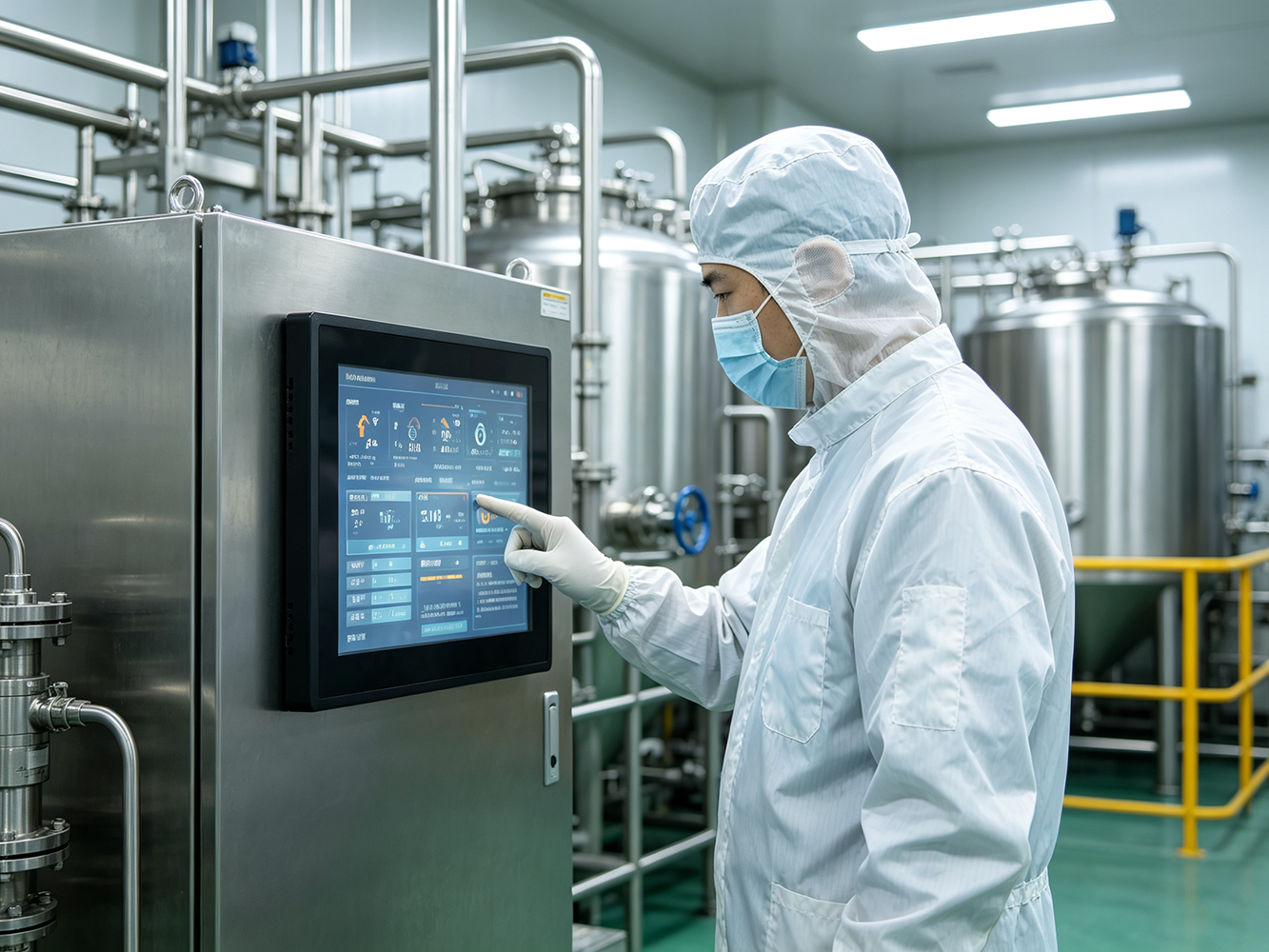
An HPM132 Industrial Panel PC can be installed in the operator panel of semiconductor-related equipment. The interface can display operating status, alarms and relevant equipment parameters, while allowing authorized operators to interact with compatible control software.
The integrated design helps reduce the need for a separate display and computing unit.
5.2 Inspection Data Visualization
For automated inspection equipment, the panel PC can serve as a visual terminal for presenting inspection results and system information received from the equipment controller.
Ethernet or serial communication can be used where supported by the selected configuration and control architecture. The application software determines how inspection records, alarms and task settings are presented to operators.
5.3 Compact Automation Equipment
For machines with limited internal space, a flush-mounted Industrial Panel PC can combine computing and touch display functions within a single installation point.
The HPM132 Series offers multiple screen sizes and hardware configurations, allowing equipment manufacturers to evaluate a suitable combination of installation dimensions, processing performance and connectivity.
These examples illustrate potential integration approaches. The final configuration should be confirmed against the specific equipment design and application requirements.
6. Conclusion: An Integrated Touch Computing Solution for Industrial Equipment
Industrial Panel PCs play an important role in equipment monitoring, parameter configuration and operational data visualization. For semiconductor-related equipment and other industrial automation applications, the selection process should consider computing performance, installation method, display size, connectivity and environmental protection.
The HWAINTEK HPM132 Series combines a fanless all-in-one design, an IP65-rated front panel, capacitive touch functionality, multiple display sizes and flexible hardware configurations. These features provide equipment manufacturers with options for integrating touch computing into inspection systems, automated machinery and compact industrial equipment.
To determine the right configuration, evaluate the required computing performance, interfaces, mounting dimensions and environmental conditions for your application.